


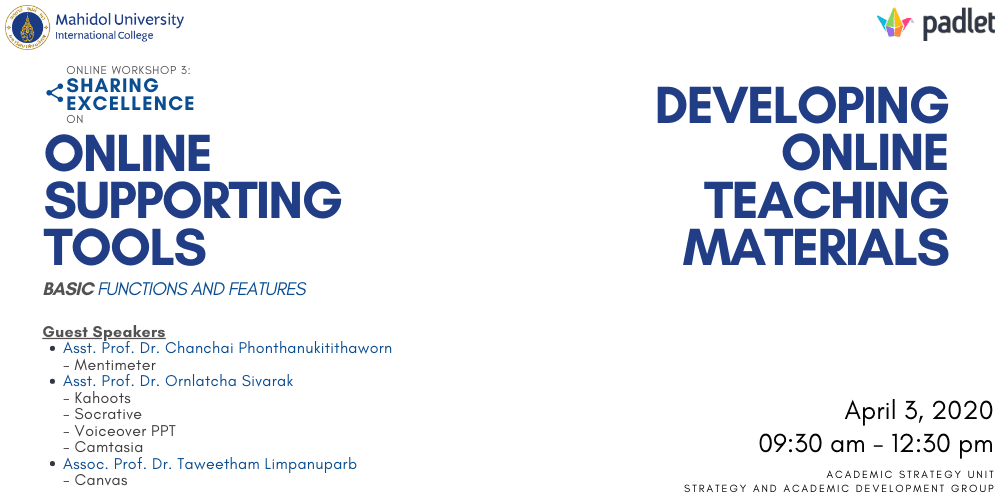
Date & Time: Friday, 3 April 2020 from 9.30 am - 12.30 pm
Conductors:
Asst. Prof. Dr. Chanchai Phonthanukitithaworn, (Associate Dean for Corporate Communication and Information Technology)
Asst. Prof. Dr. Ornlatcha Sivarak (BBA Faculty)
Assoc. Prof. Dr. Taweetham Limpanuparb (Program Director of Chemistry)
This online workshop conducted on WebEx was organized to help the participant know different types of online supporting tools and be able to develop online teaching materials easily. The online tools introduced in this workshop help to make it easier for teachers to teach and students to collaborate with each other including the parents. They save not only time, but also use little space on a device. In this session, 3 tools are introduced: Mentimeter, Socrative, and Camtasia Studio.
Mentimeter
Mentimeter is an online site designed to help users in engaging and interacting with audiences in real-time through online poll. It can be used to activate previous knowledge, identify beliefs or opinions, create a competition, or start discussions with large groups. When viewing results, the most common answers/words that people submitted will be highlighted and visualized in a clean and visually pleasing manner that allows users to make future decision better informed.
Socrative
Despite sharing common features and being free to use to a certain extent, Mentimeter offer paid features for exporting voting data while Socrative lets users do the same for free. However, if users intend to use Socrative for competitive quizzing, this comes at a bandwidth price. That means that the more participants the higher the bandwidth of your internet connection needs to be. In order to function well, a single Socrative classroom shouldn’t accommodate more than 50 students. This makes Socrative not very useful for large groups like Mentimeter.
Camtasia Studio
Camtasia Studio is a software suite for teachers who want to produce their own video. Besides the features you may find in general video-editing apps, Camtasia Studio allows user to create and edit video with advanced features such as produce Picture-in-Picture (PIP) display, add captions, screen capture anything on your desktop, and provide professional looking transitions from one video to another.