


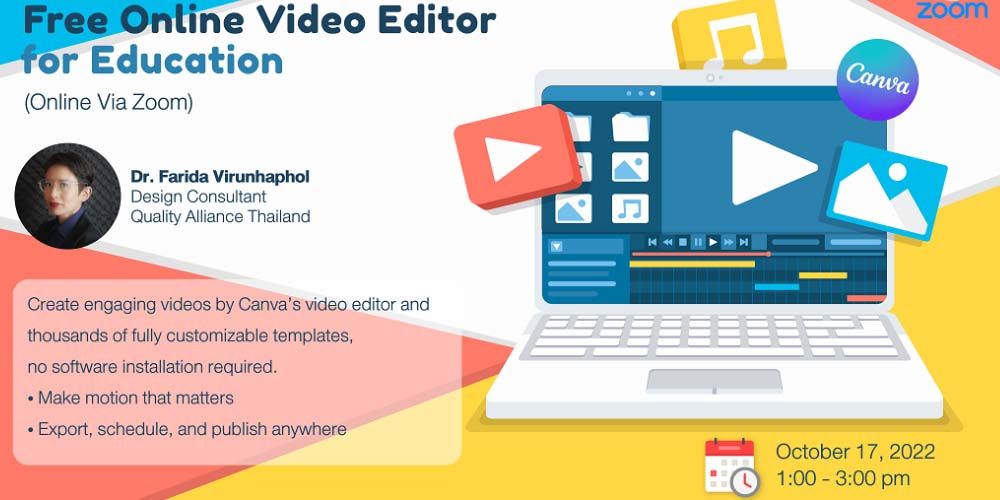
Title: Free Online Video Editor for Education
Date & Time: Monday, 17 October 2022 from 1.00 - 3.00 p.m.
Conductor: Dr. Farida Virunhaphol
The Strategy and Academic Development and the EdTech organized the online workshop entitled ‘Free Online Video Editor for Education’. This workshop aims to introduce basic tools in editing videos, ways to put elements together to construct videos, and record one’s own video on Canva for all purposes.
Canva is one of the easiest and most user-friendly tools for creating and editing videos. The features include creating, editing, animating, making presentations, and so on. Apart from available stock videos, Canva allows users to record screenshot, and take videos from the site as MP4, MOC, GIF, MKV, MPEG or WEBM format, as well as allowing users to set up camera and later upload video to the site for editing. However, for free users, the size of uploaded video must not exceed 1 gigabyte (1024 megabyte), else the videos need to be compressed to smaller file size, which may significantly reduce the visual quality of video, especially when shot via DSLR or mirrorless camera.
Users can start with uploading clips by dragging and dropping them onto a timeline, and then trim, split and resize the clips to their liking. Next, add texts and transition elements that are aligning with the story’s concepts and rhythm, and then proceed to add tracks, sound effects, voice-overs, narration, and music to your product. Besides, users have an option to choose video templates to start from, including a massive media content library, clips, effects, music, graphics, stickers, and water-mark free stock footage.
In addition, although Canva does offer Free subscription, with paid subscription users can remove background from any video, resize videos into different formats for any social platforms, and access to Brand Kit features allowing pre-set one’s own brand’s fonts, colors, and logos for establishing brand consistency and a unified look across all designs.