



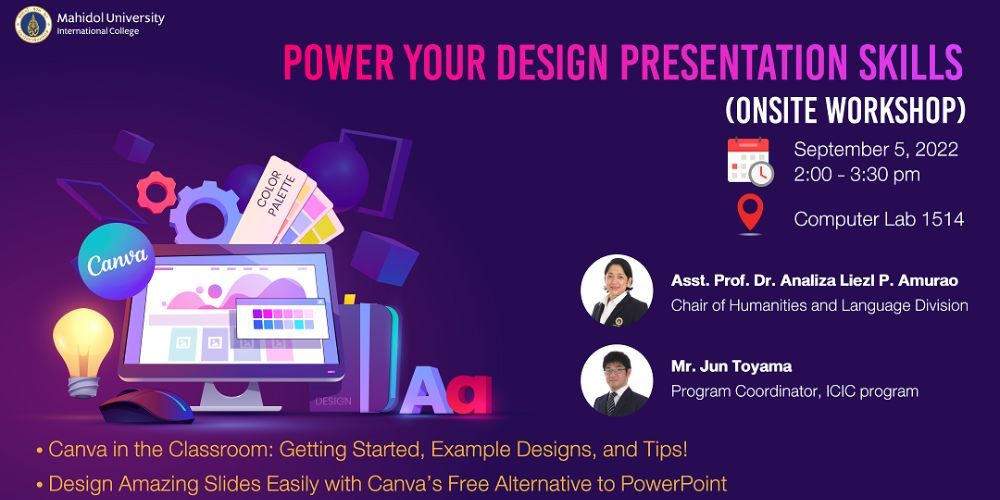
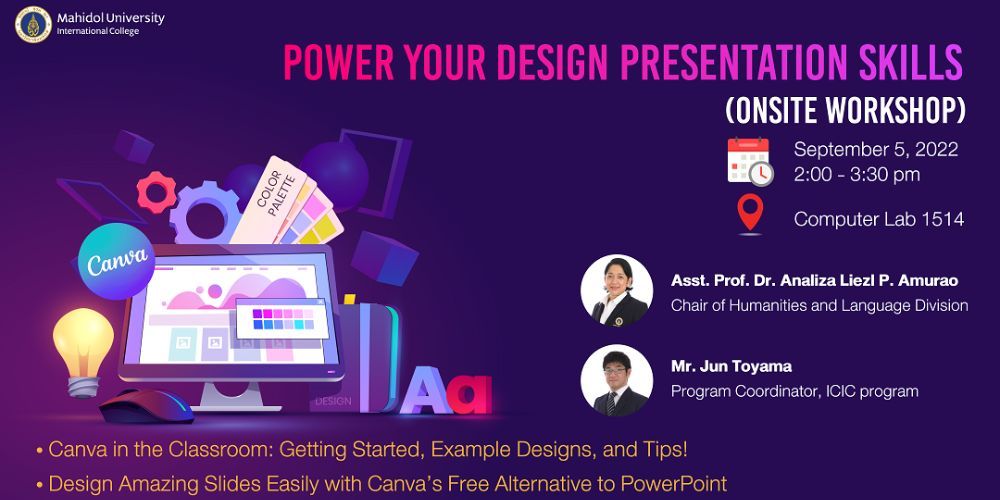
Title: Power Your Design Presentation Skills
Date & Time: Monday, 5 September 2022 from 2.00 - 3.30 p.m.
Venue: Computer Lab 1514, MUIC Building 1
Conductor: Asst. Prof. Analiza Liezl Perez Amurao & Mr. Jun Toyama
The Strategy and Academic Development Section under the OAA and the EdTech Unit organized the workshop entitled ‘Power Your Design Presentation Skills’. The purpose was to introduce Canva, an online graphic design and publishing tool, to the MUIC faculty. Participants received key instruction and practical advice on how to design slides as an alternative to PowerPoint in an effort to develop teaching and learning materials and improve presentation abilities.
Ease to use is the key advantage of Canva as it works on the premise of quality as well as a variety of tools are offered. Some features may require paid membership, but most are available for free. The paid membership is also reasonable with the access given to the paid features. Canva provides a wide range of professionally designed templates for users to choose from. The templates include posters, presentation, video presentation, flyers, cards, book covers, letterheads, resumes, report cover, tickets, menus, Facebook covers, Instagram posts, Pinterest, etc.
Canva Basic plan gives users the ability to download stock photos, upload their own pictures and fonts, edit pictures and customize textures, texts, color correcting, to name a few, which later can be printed out, or published, or simply saved to your computer in various formats.
While its paid membership offers more premium visual assets such as additional stock photos, videos, graphics including an access to an audio and video library with a bigger storage of 1TB. Plus, as well as additional features called Brand Kit to create distinctive logos allowing users to upload logos, fonts, and designate a color palette of their own brand. There is also a tool called Magic Resize where images can be resized for other graphics, such as from a poster to ticket, with a few clicks. Other memorizing tools include Background Remover, Animator, etc. Besides, one of the highlights of Canva Pro lies in the ability to work together as a team. The platform provides a centralized space where other team members can access and work on others’ templates without emailing special links.
Tips and tricks to create slides and maximize the use of the app involves the use of color. By defining the purpose, online or published materials, can make a big difference. If those materials are intended for printing, check the CMYK (Cyan, Magenta, Yellow, Key/Black) color palette and use accordingly, or use the online CMYK conversion tool. Because initially Canva by default generates files in RGB (Red, Green, Blue) system which is a color mode for screenplay, so if one intends to print out the work using RGB instead CMYK, the color can look muted.
The next tip is to explore the available templates as much as possible. A wide selection of design, format, color that will fit with ones’ needs, or in case of a basic plan and get inspired from paid completed designs, one can replace the paid elements with a free one as an alternative.
Apart from looking through the offered templates, there are other overall features as well. For instance;
Clicking grid view allows one to view all documents, add, relocate, duplicate, and delete pages easily
Playing with Frames/Borders/Shapes tools lets one emphasize and draw attention to images/words.
Incorporating a little animated GIFs to the work to engage student attention and enhance interest in the materials, or using Magic Resize feature to re-create designs to fit across different platforms.
The last tip is to scale ones’ design elements proportionally, and choose size and location of the elements to be plated in the page that visually attract the best to the audiences.
In summary, Canva is a very good and one of the best online platforms for designing. It comes with a variety of tools that help to handle both online and published materials. The availability to export design works into various formats that best fits ones’ intended use empowers users to reuse the designs without creating a new one, especially for educators, who may create solid works such as slide, pictures, or PDF file, but want to change these works into animated designs to grab students’ attention, help them focus and maximize learning.